
How to Set Up a PS5 and Gaming PC on One Monitor for GTA 6 (Grand Theft Auto VI)

How to Connect a PS5 and Gaming PC to One Monitor
Give each system its own port. The monitor becomes the switch, so you avoid external boxes that can break 120Hz or VRR.
| Device | Connect to | Cable | What you get |
|---|---|---|---|
| Gaming PC | DisplayPort 1.4 | DisplayPort cable | Full refresh rate, G-SYNC Compatible / FreeSync |
| PS5 | HDMI port 1 | Ultra High Speed HDMI (the PS5 box cable) | 1440p at up to 120Hz; VRR on an HDMI 2.1 port |
| Xbox Series X/S | HDMI port 2 | Ultra High Speed HDMI | 1440p at up to 120Hz; VRR on an HDMI 2.1 port |
Choose a Monitor With Two HDMI Ports and DisplayPort
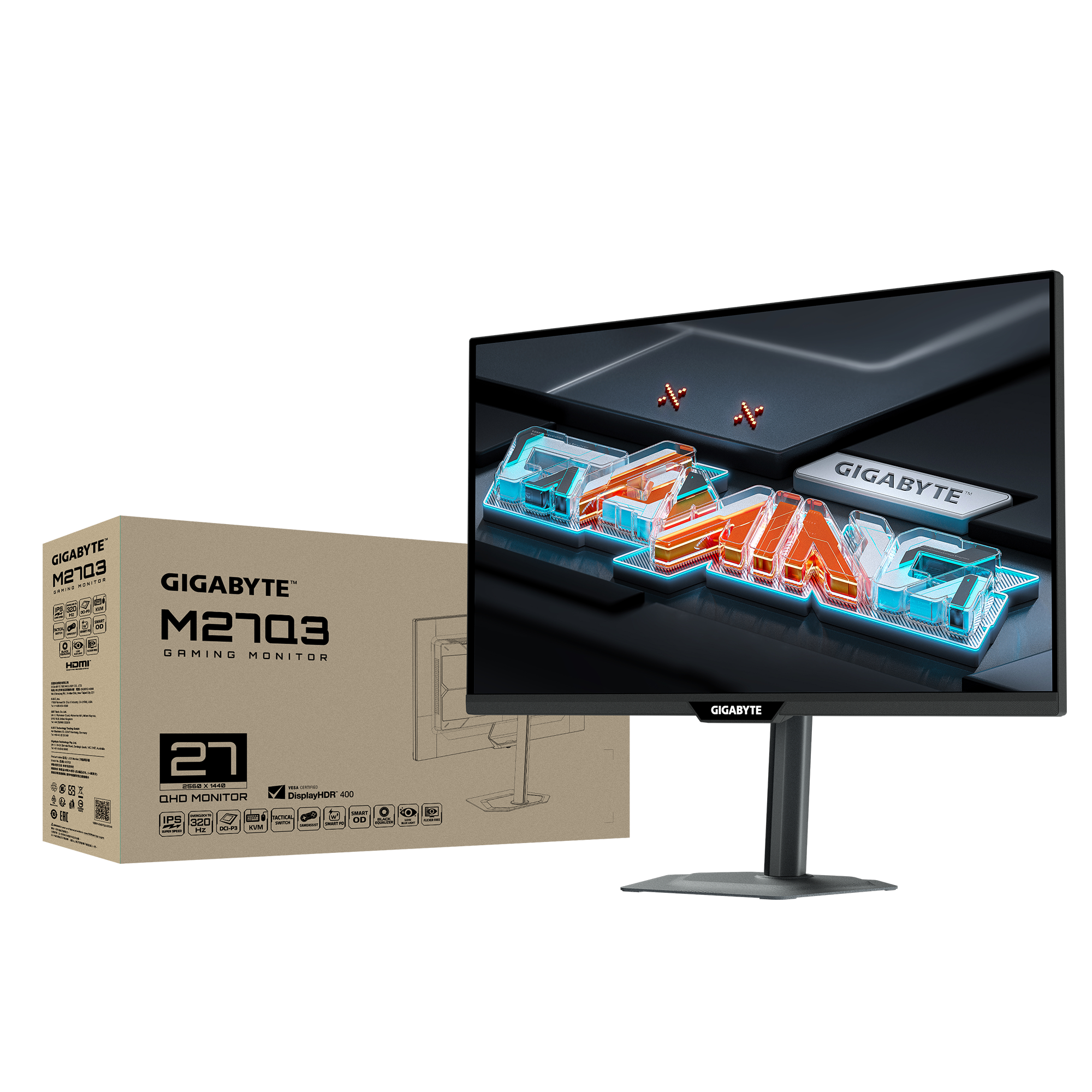
Two HDMI ports plus DisplayPort let a PC and two consoles stay plugged in at once. Both monitors below are 27-inch QHD panels with that layout and a built-in KVM.
| GIGABYTE M27Q3 | GIGABYTE M27Q2 QD | |
|---|---|---|
| Summary | Its two HDMI 2.1 ports support console VRR and 120Hz output. Choose it if you play fast PC games and want console features beyond GTA 6. | Its Quantum Dot panel covers 99% DCI-P3 for stronger colour in GTA 6's open world. Its HDMI 2.0 ports accept 1440p at up to 144Hz, so a PS5 or Xbox can still output 1440p at 120Hz. Console VRR needs HDMI 2.1, so it is not available here; for a 30 fps game, that trade-off is small. The all-white M27Q2 QD ICE edition suits a white desk setup. |
| Panel | 27" SS IPS, 2560×1440 | 27" SS IPS Quantum Dot, 2560×1440 |
| Refresh rate | 300Hz (OC 320Hz) | 200Hz (OC 210Hz) |
| Inputs | 2 × HDMI 2.1, 1 × DP 1.4, USB-C | 2 × HDMI 2.0, 1 × DP 1.4, USB-C |
| Max over HDMI | 2560×1440 at 300Hz (OC 320Hz) | 2560×1440 at 144Hz |
| Built-in KVM | Yes | Yes |
| Colour gamut | 95% DCI-P3 / 132% sRGB | 99% DCI-P3 / 99% Adobe RGB / 150% sRGB |
| HDR | VESA DisplayHDR 400 | VESA DisplayHDR 400 |
| Colours | Black | Black or all-white ICE edition |
| Best for | Console VRR at 120Hz plus fast PC gaming | Rich colour in open-world games, white desk setups |
Current deals in Australia (until 1 December):
Shop GIGABYTE M27Q3 at Umart A$299, save A$160 (35% off the A$459 RRP)
Shop GIGABYTE M27Q2 QD at PC Case Gear A$259, save A$200 (44% off the A$459 RRP)
*Prices and stock can change, so check the retailer for the latest offer.

Use the Right Cable and Switch Inputs on the Monitor
Use a Certified Ultra High Speed HDMI cable (48Gbps) for VRR and 120Hz. The cable in the PS5 box already meets this standard; older "High Speed" cables can block those features. Change inputs from the monitor's on-screen menu rather than a third-party HDMI switch, which often breaks VRR, HDR or 120Hz passthrough. The built-in KVM lets one keyboard and mouse follow you between devices. For audio, a headset with a multi-platform base station can take PC and console audio at the same time.
Set Up Your PS5 and PC
PS5:
- Go to Settings > Screen and Video > Video Output.
- Set Resolution to Automatic (or 1440p), and VRR and 120 Hz Output to Automatic.
- Open Video Output Information to confirm the console is outputting 1440p.
PC:
- In Windows, open Settings > System > Display > Advanced display and select the highest refresh rate.
- Turn on G-SYNC Compatible or FreeSync in your GPU control panel.
Keep the console's vents clear of the monitor stand and the wall, and leave cable slack if the monitor sits on a swivel arm.
FAQ
-
Can I connect a PS5 and a gaming PC to one monitor?
Yes. Connect the PC by DisplayPort and the PS5 by HDMI, then switch inputs from the monitor menu.
-
Can the PS5 output 1440p?
Yes. The PS5 supports 1440p output, the native resolution of 27-inch QHD monitors.
-
Do I need HDMI 2.1 for PS5?
Only for 4K at 120Hz and for console VRR. On a 1440p monitor, HDMI 2.0 can still carry 1440p at 120Hz.
-
Gaming monitor or TV for a desk setup?
At 60–90 cm, a 27-inch QHD monitor gives about 109 pixels per inch, with lower input lag and easier ergonomics than a TV.
Summary: The Best One-Monitor Setup for GTA 6
Connect your PC by DisplayPort and your console by HDMI, use an Ultra High Speed HDMI cable, and switch inputs on the monitor. GTA 6 runs at 30 fps on console, so a 1440p monitor is a natural match. Choose the M27Q3 for console VRR and up to 320Hz on PC, or the M27Q2 QD for wider colour and a white ICE option; both are on sale in Australia now.
Current deals in Australia (until 1 December):
Shop GIGABYTE M27Q3 at Umart A$299, save A$160 (35% off the A$459 RRP)
Shop GIGABYTE M27Q2 QD at PC Case Gear A$259, save A$200 (44% off the A$459 RRP)
*Prices and stock can change, so check the retailer for the latest offer.