
#4K
-
 Feature
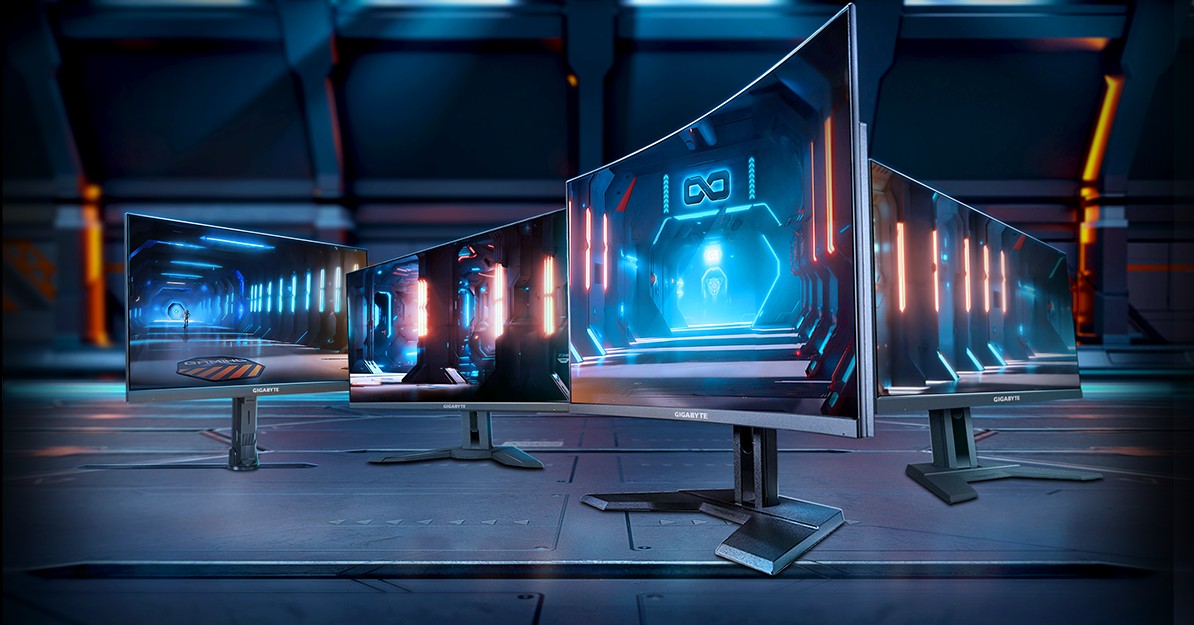
GIGABYTE 4K gaming monitor buyer’s guide: Play 4K. Play 4 Win.
In this article, we'll guide you through our recommendations for GIGABYTE's 4K gaming monitors, organized by game genre. By the end, you'll have a clear picture of which monitor suits your unique gaming preferences and needs.
-
 Feature
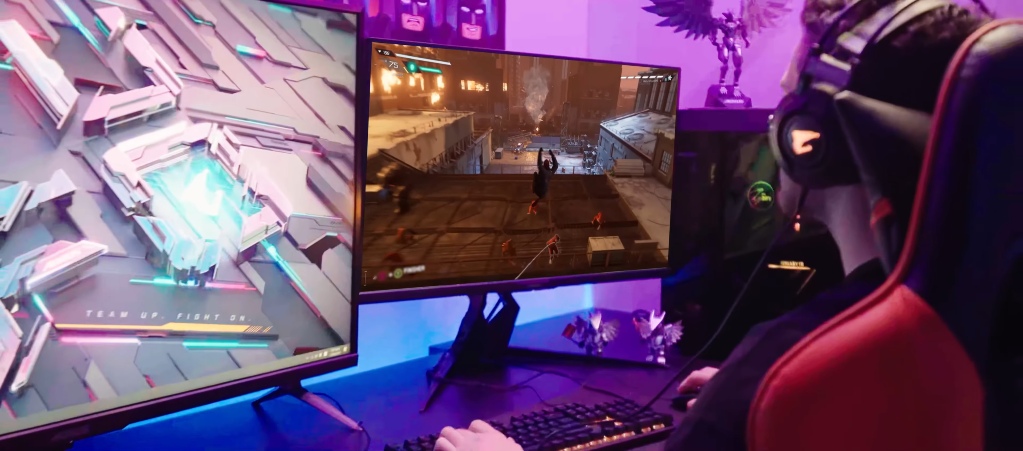
Should you upgrade to a 4K gaming monitor with the GeForce RTX 40 series graphics cards?
The GeForce RTX 40 series has taken the gaming community by storm, delivering unparalleled performance and immersion. With cutting-edge technologies like DLSS 3, these GPUs are a true force to be reckoned with. But if you're already invested in the RTX 40 series or considering making the jump, it's crucial to ask yourself one question: can your monitor keep up?
-
 Tutorial
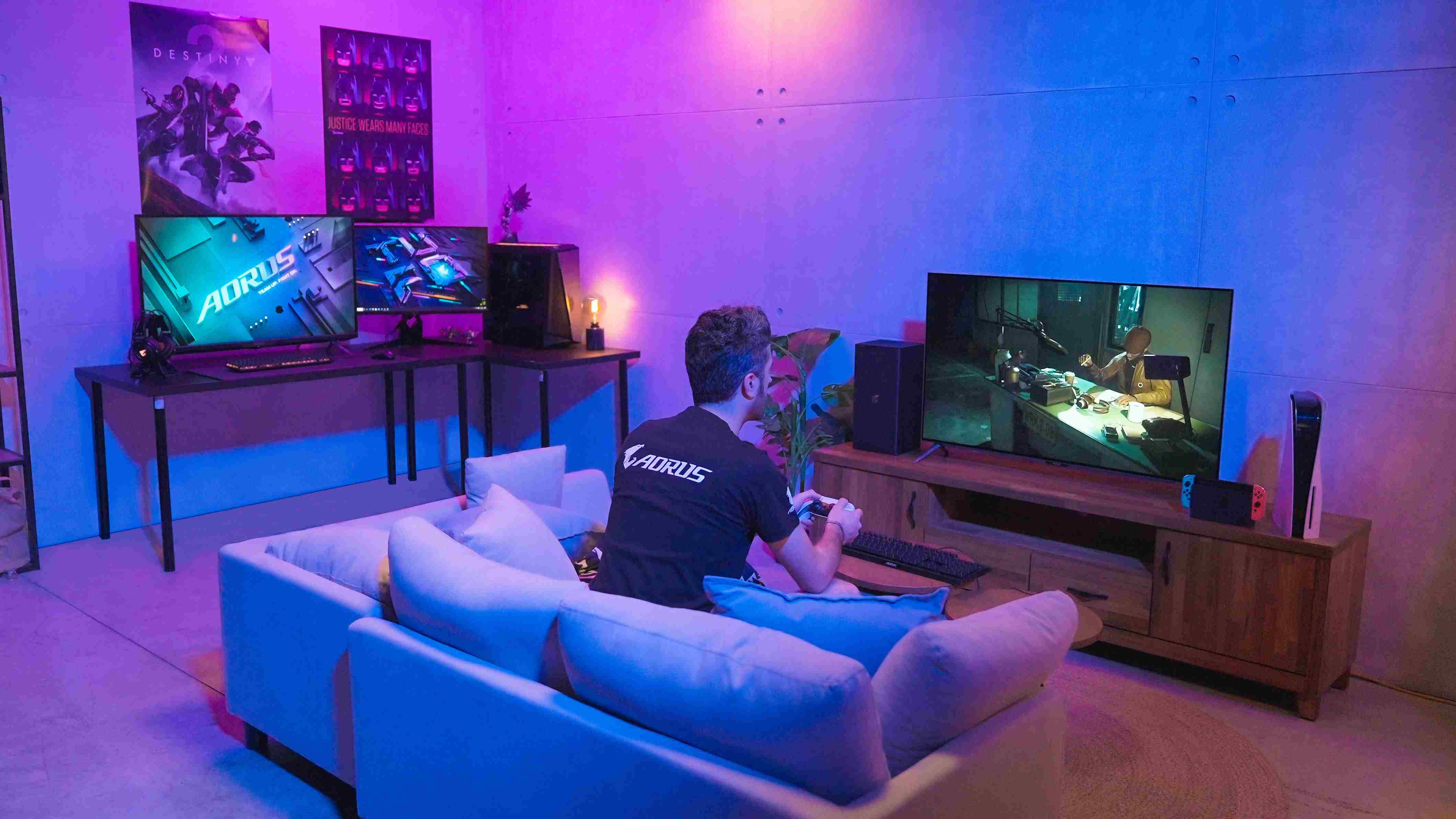
Which monitor resolution is best for you - A beginners guide
When looking to purchase a new monitor it can be easy to get lost in the sheer number of options that are available to you. There are countless options available to you in varying dimensions, resolutions, refresh rates, and features that choosing the right option for you can be a daunting task.
-
 Feature
Enjoy 4K Gaming With the GIGABYTE and AORUS 4K Gaming Display Lineup
With an ever-expanding list of games that support 4K resolutions and the latest generation of computer hardware and gaming consoles putting a strong focus on 4K gaming, now is the perfect time to dive into the bliss of ultra HD gaming.
-
 Tutorial
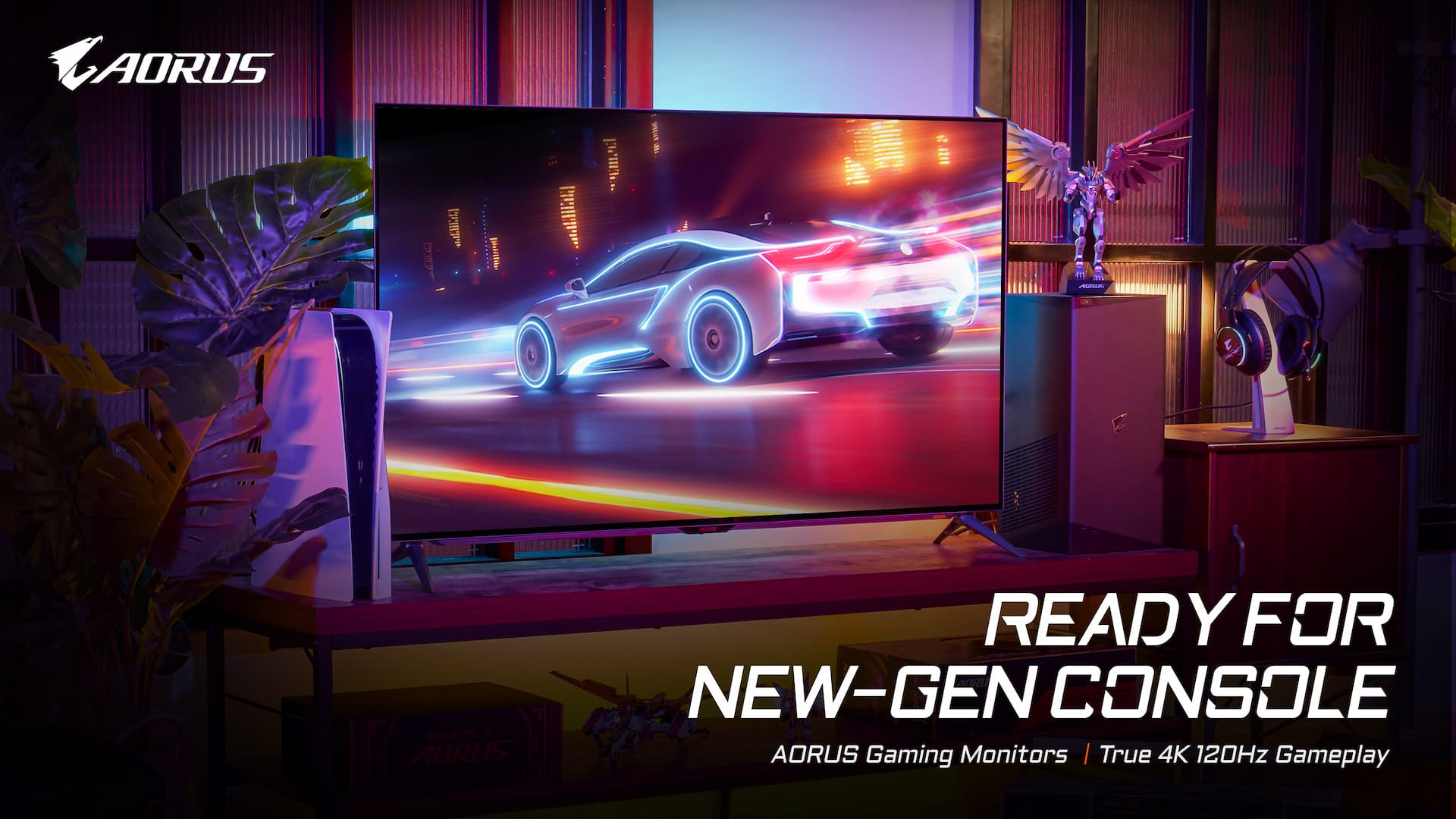
How To Enable 4K 120Hz On PS5 and XBOX?
Both the next-gen consoles, PS5 & XBOX Series X, claim the 4K/120Hz premium gameplay, delivering exceptional in-game scenes, and smooth and magnificent visual experience. But, here come the questions: can your display support 4K/120Hz gameplay? If yes, do you really know how to enable the 4K/120Hz gameplay on the console?