

#BIOS
-
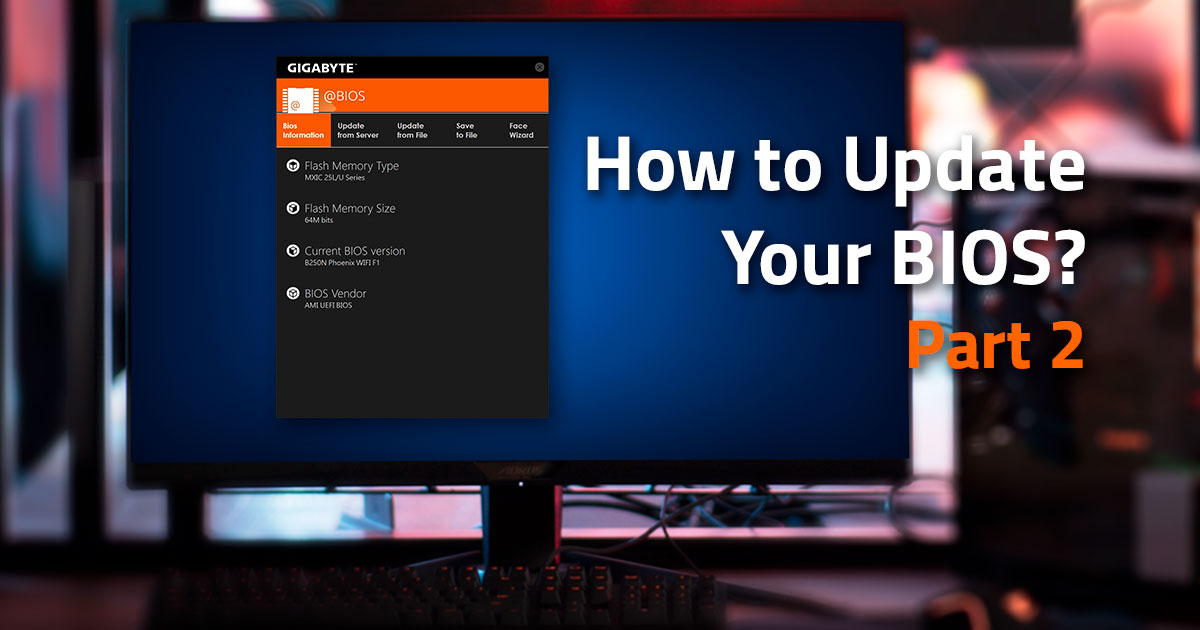 Feature
How to Update Your BIOS Part 2:Q-Flash and BIOS Recovery
In Part 2 we looked at how to use the @BIOS update utility for updating your BIOS. Although @BIOS is the most user-friendly way to update your motherboards BIOS, a lot of people prefer the option of accessing the BIOS itself to perform the update.
This is where Q Flash comes in.
-
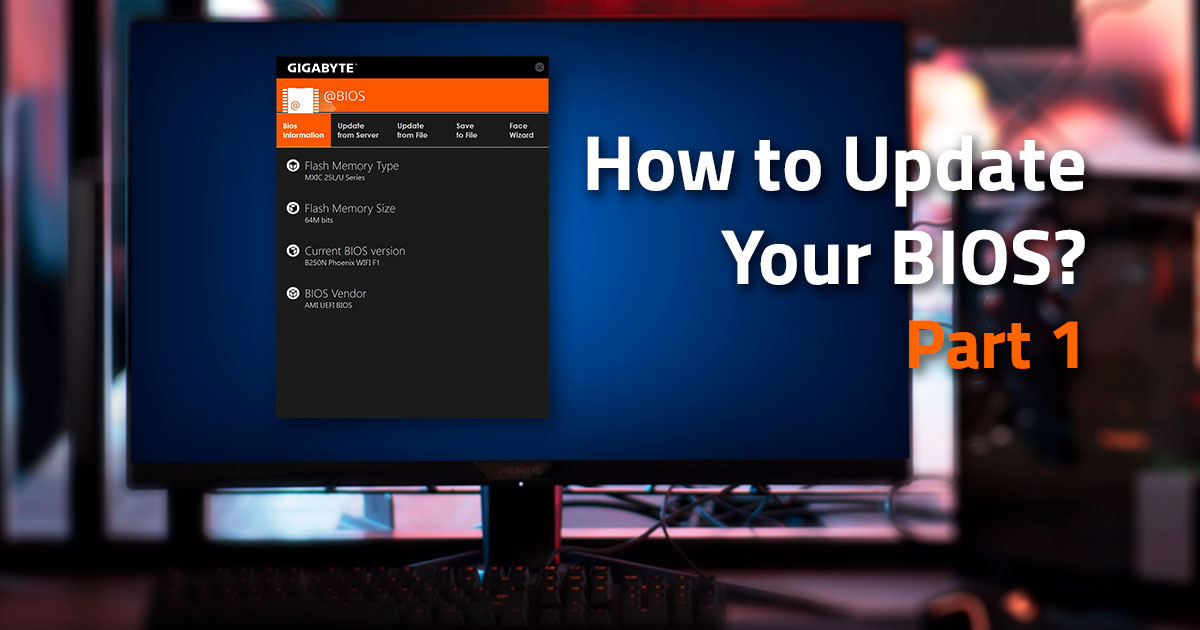 Feature
How to Update Your BIOS Part 1:The @BIOS Utility
So, you've purchased yourself the brand new Z390 AORUS Ultra motherboard to go into your new beast of a gaming rig. The motherboard is installed, the RTX 2070 is hooked up and ready go, and your keen to jump straight into some CS:GO to start laying down the law to those that oppose you.
However, it's not quite time to spray and pray just yet. There is still one more crucial piece of the puzzle before your new build is complete. The dreaded BIOS update… Ok, that’s probably a little overdramatic, but there was a time that BIOS updates were the cause of pain for many PC users. A time where it was very common to see computers failing to boot because of problems from flashing the BIOS.
-
 Gaming
4 Must-Know Remakes on The Way
Remaking, or remastering, has been a widely common solution to modernize those classic titles for the latest hardware with the original gameplay and story, yet way better graphics. Generally speaking, the larger the audience of the title is, the more likely it is to be remade /remastered. Recently a couple of remakes of some classic titles have been announced. Thus Xtreme Gaming Blog features this story to cover the most anticipated upcoming remakes in the near future.