
#Gaming Monitor
-
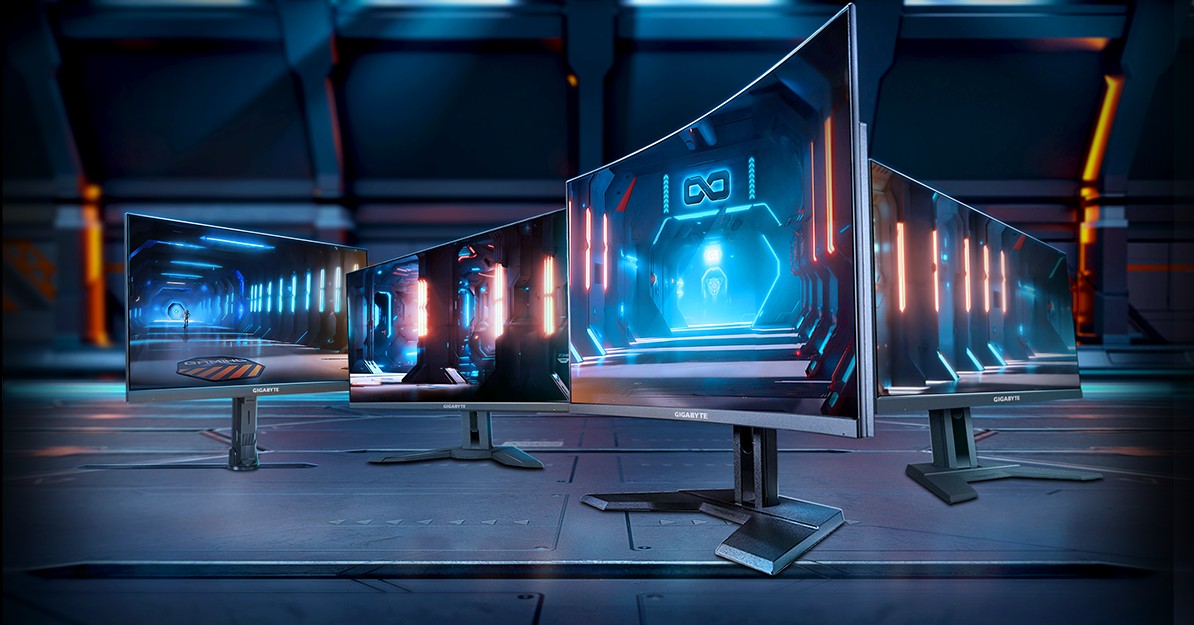 Feature
GIGABYTE 4K gaming monitor buyer’s guide: Play 4K. Play 4 Win.
In this article, we'll guide you through our recommendations for GIGABYTE's 4K gaming monitors, organized by game genre. By the end, you'll have a clear picture of which monitor suits your unique gaming preferences and needs.
-
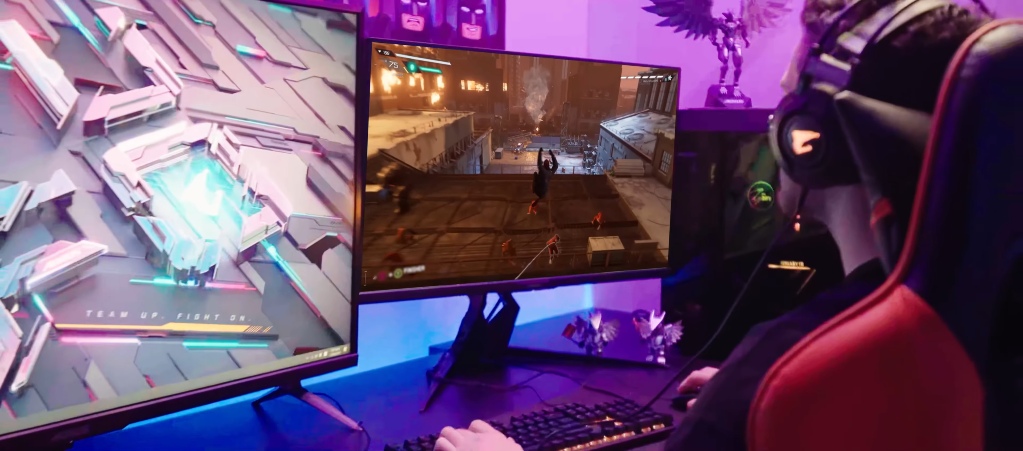 Feature
Should you upgrade to a 4K gaming monitor with the GeForce RTX 40 series graphics cards?
The GeForce RTX 40 series has taken the gaming community by storm, delivering unparalleled performance and immersion. With cutting-edge technologies like DLSS 3, these GPUs are a true force to be reckoned with. But if you're already invested in the RTX 40 series or considering making the jump, it's crucial to ask yourself one question: can your monitor keep up?
-
 Tutorial
High Refresh Rate Gaming - What it is and why you want it
Gamers all over are striving to get the best gaming experience possible. Whether they are into first-person shooters, role-playing games, strategy, or MMO’s, gamers want to be able to enjoy buttery smooth gaming while also squeezing the best performance out of the game that they can.
-
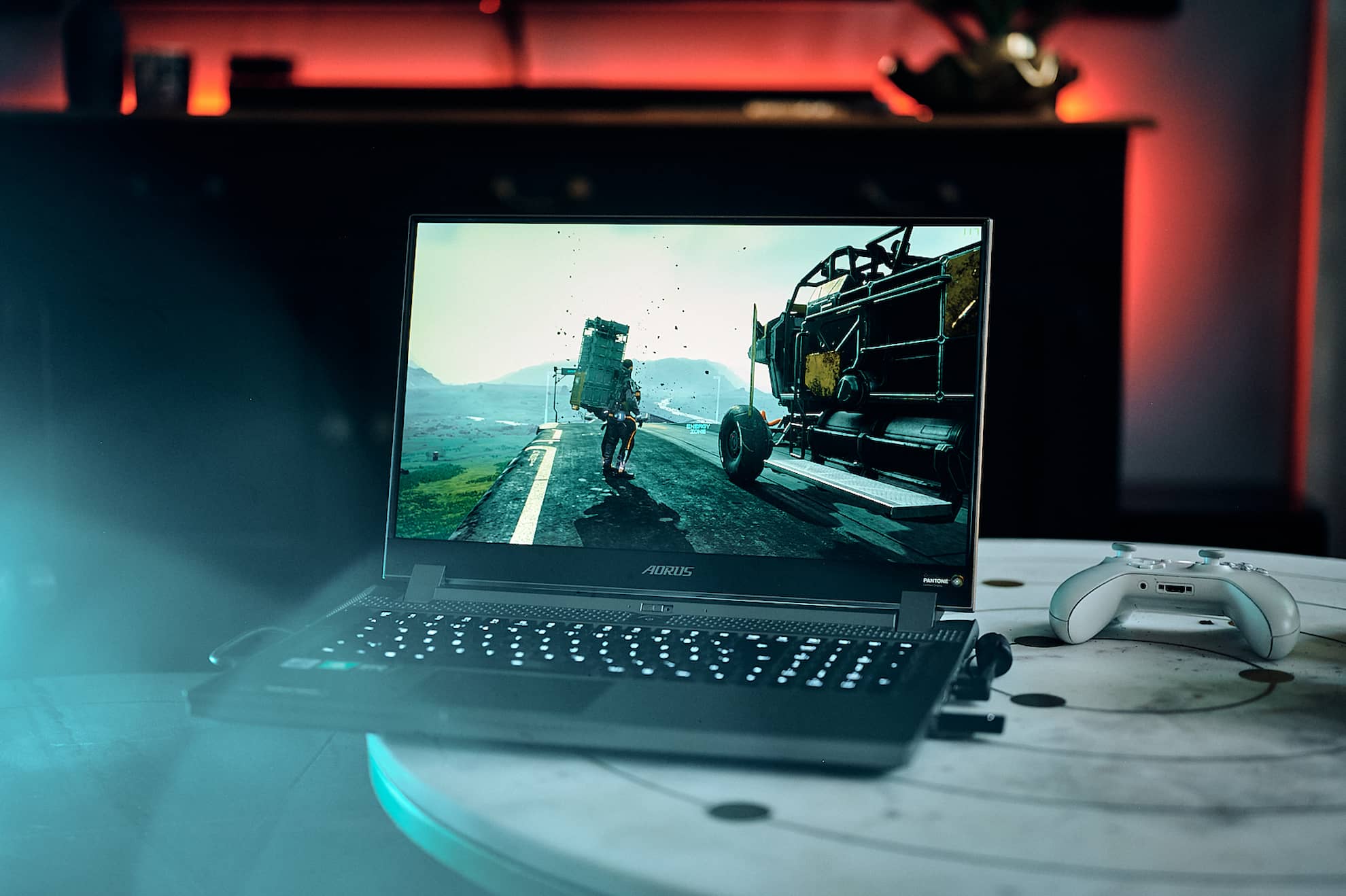 Tutorial
Beginners 101 - Game Longer and More Safely with Ergonomics
When we start gaming, we can’t deny that we get into “game mode”. Meaning, we stay in front of the PC for hours enjoying our gameplay.
But it does come with its own set of negative effects like carpal tunnel, neck pressure, eyestrain, and body pains.
Using a regular chair when gaming for long hours often leads to poor posture. This won't only limit movements, but it'll also bring about strain on different parts of your body. At the end of the day, your back, neck, and shoulders are in for pressure because of the bad posture.
This is the reason why proper posture and ergonomics are important, and they work simultaneously for a better gaming experience. So, if you’re a gamer, a comfy and ergonomic gamespace will keep you feeling and working at your best.
-
 Tutorial
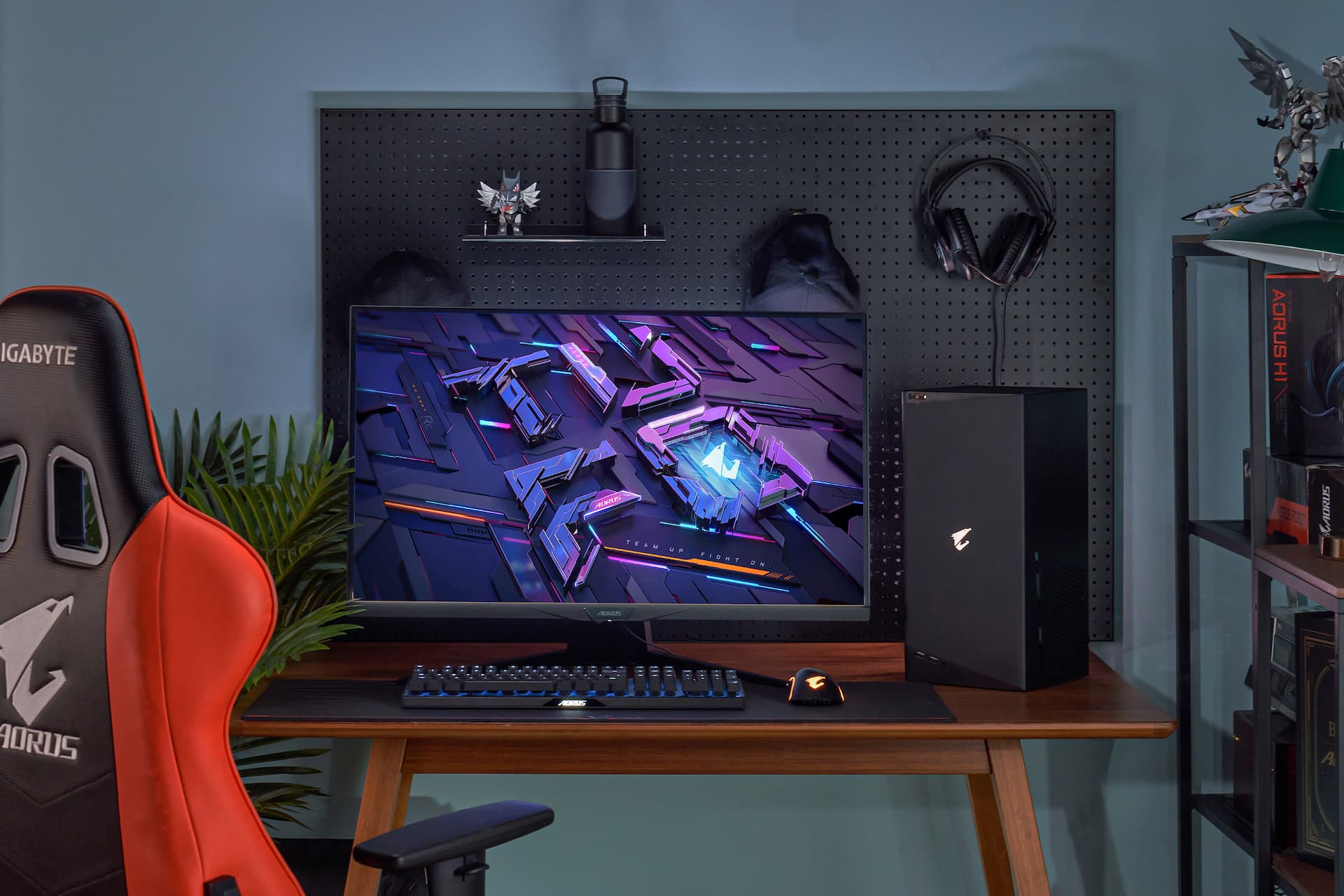
Beginners 101 - How to Setup Your Gaming Monitor
You need the right displaying monitor to get the best out of your system. If your display was lackluster, you wouldn't be getting the most out of your games or utilising your gaming rig to its full potential.
Once you get your gaming monitor, you will want to set it up and configure it properly to ensure you are getting the most out of it. It's easy and quick to do, and you'll get to enjoy optimised image quality.
Let’s take a look at some of the ways you can get the most out of your gaming monitor.