
#BIOS
-
 Feature
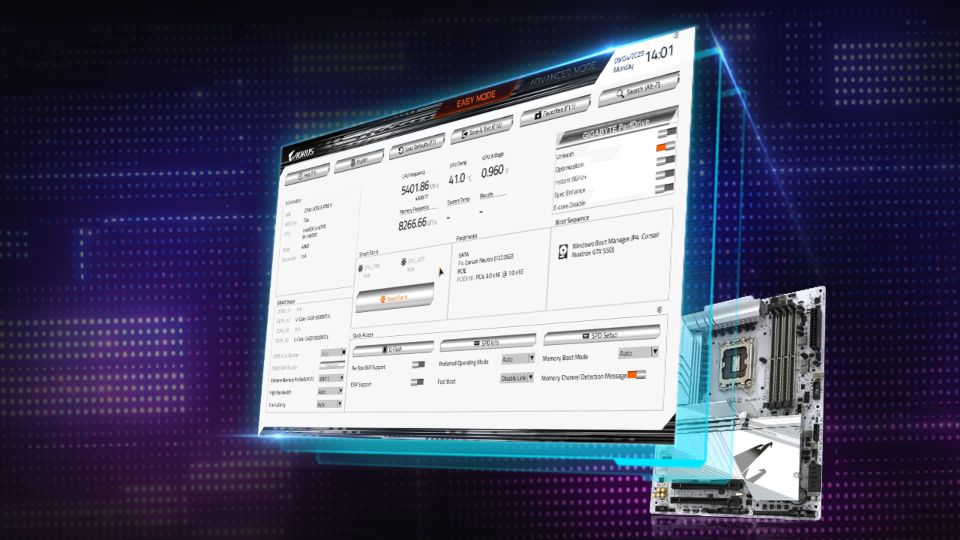
5 GIGABYTE UC BIOS new features you may not know (but will love)
Since its debut with the 600 and 700-series motherboards, GIGABYTE User-centered BIOS (UC BIOS) has been well-received for its sleek interface and user-friendly design. But did you know it’s evolved even further? With the release of the 800-series motherboards, UC BIOS introduces a host of powerful new features that not only enhance performance but also redefine the BIOS tweaking experience. Here are 5 features you might have missed—and will absolutely love.
-
 Tutorial
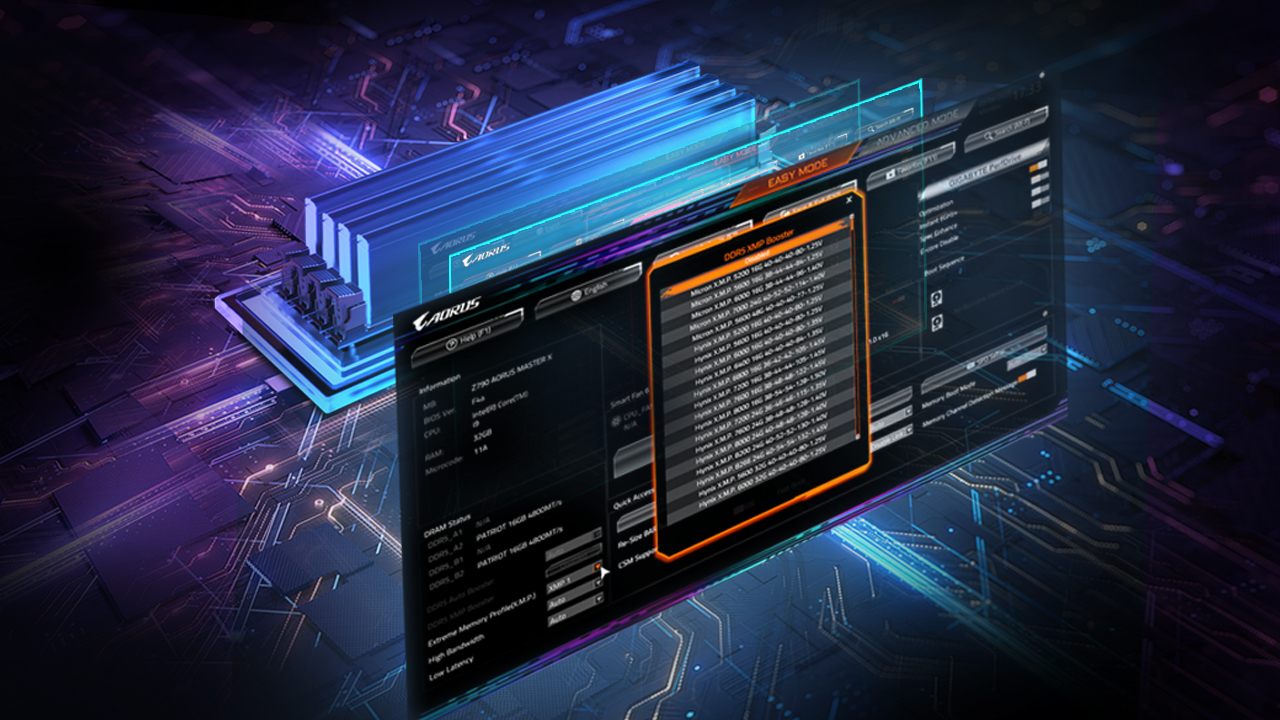
How to maximize your DDR5 memory's potential through GIGABYTE UC BIOS
Are you maximizing your memory speed? Whether you're using native DDR5 modules or employing XMP memory, did you know that you can overclock your memory effortlessly and get an extra performance boost for free? This article will equip you with the knowledge and tools you may not be aware of to effortlessly supercharge your PC using the user-friendly GIGABYTE UC BIOS.
-
 Feature
What is UC BIOS? A quick overview
Redesigned with the user experience in mind, the latest BIOS version features an intuitive interface with exclusive performance tweaks to make your life easier. Let’s explore the BIOS's fresh new look and see how it effortlessly transforms the landscape of your BIOS encounters.
-
 Feature
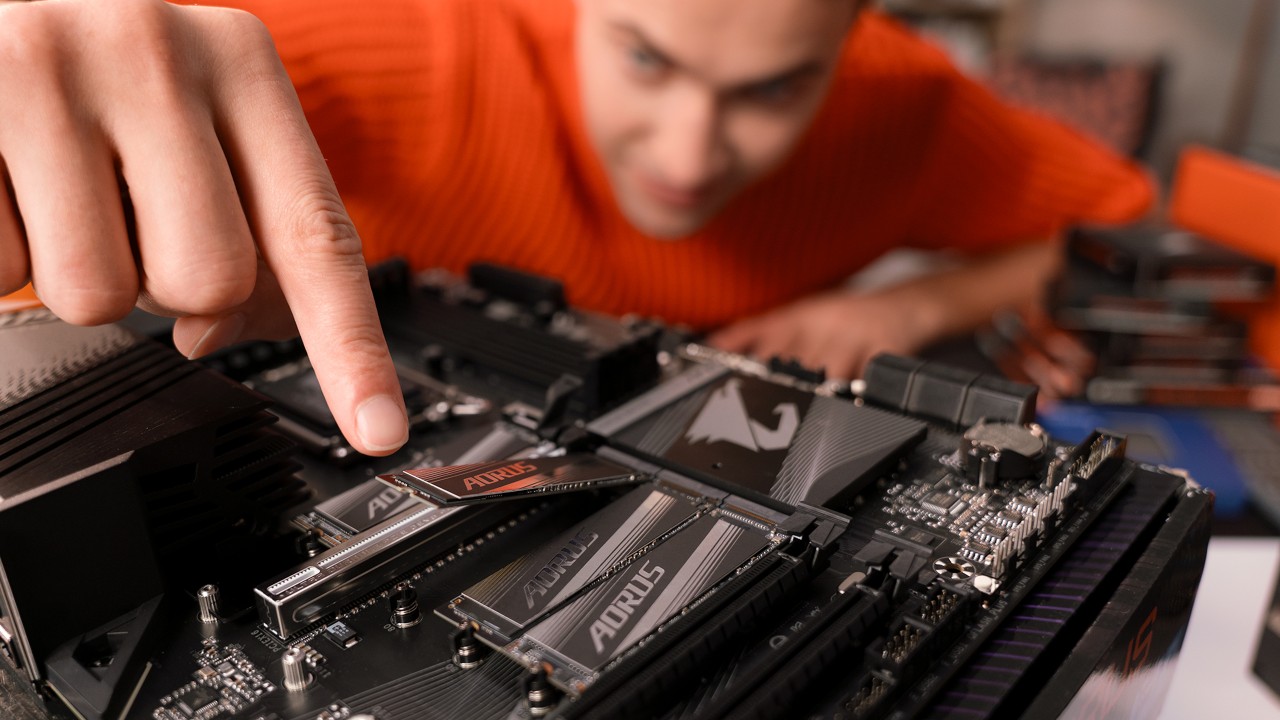
5 reasons why AORUS ELITE is a smart choice for your first gaming PC
2023 is an exciting time to venture into the world of building a custom gaming PC from scratch. The AORUS ELITE products are here to make your dream build a reality. Here are five reasons why they're the smart choice for your first PC build.
-
 Feature
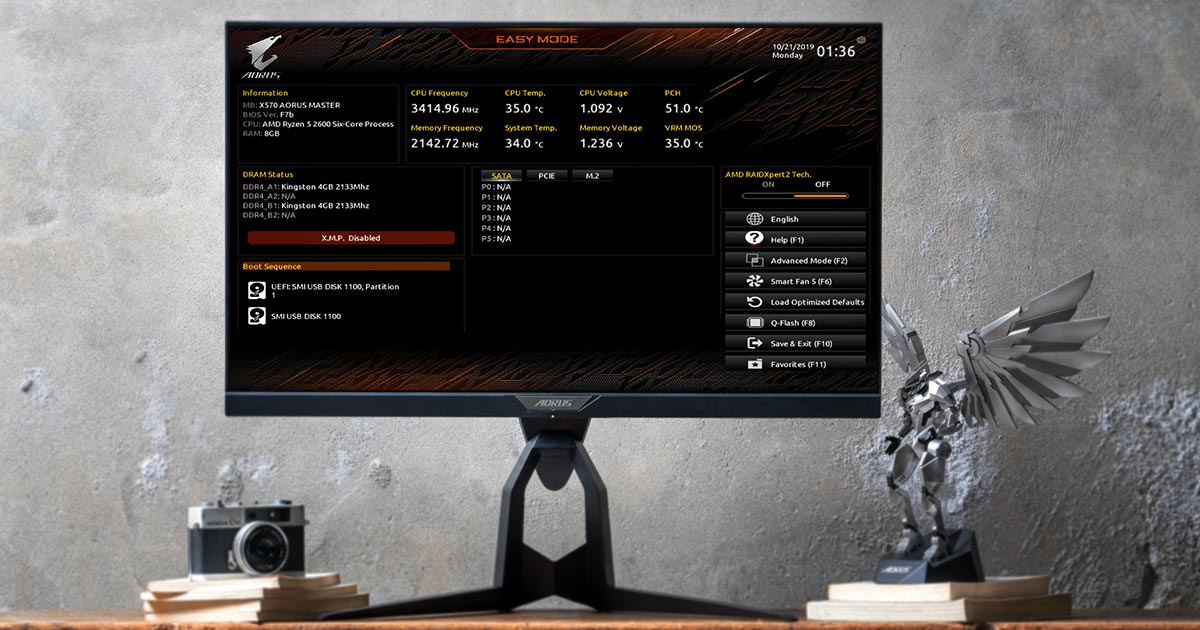
GIGABYTE BIOS is back with an awesome new design
For a lot of users, the only time they’ve checked their BIOs might have been when the clerk at the PC store is showing them the BIOS settings for their new systems. Other than that, they might not even revisit the BIOS and tweak settings after. They may find it too complicated to use so they don’t even bother with it. However, ever since the launch of UEFI, many manufacturers have designed an Easy Mode that makes using the BIOS even more intuitive. For novice users, it’s time to throw away the idea that tuning the BIOS is only for hardcore users!.